
Kiddipedia
We’re at the midway point of the summer break, and it’s the perfect time to explore new activities that keep our kids’ hearts and minds busy. With online gaming named one of the most popular forms of entertainment, here’s something you might find interesting.
While summer is a time to amp up the fun and let the reins loosen a little, online safety and managing screen time are still top of mind for parents.
IGEA’s (Interactive Games & Entertainment Association) Australia Plays 2025 report found that 82% of Australians under 17 play video games, with action/adventure, puzzle, and sport games topping the list of favourites.
Building on these insights, here are tips from Roblox’s Dr. Elizabeth Milovidov — the gaming industry’s first Global Head of Parental Advocacy — to help parents and carers ensure kids not only have fun but also game safely and in a healthy way over the school holidays.
1. Start with privacy and safety basics
Before your child starts gaming, consider what privacy and safety settings might be right for them. Establishing simple steps can make a big difference in protecting their online experience:
-
Choose a safe username – Avoid real names, ages, or personal details that could identify your child.
-
Set privacy settings that suit your family – Discuss who they can interact with.
-
While Roblox doesn’t have location sharing, some games and apps do – Consider turning location sharing off where it is a feature.
-
Familiarise yourself and your children with reporting tools – Teach them how to block or report inappropriate behaviour.
2. Get in the game
Take the time to learn about the games your children love playing. The more you know about the games they play and the platforms they use, the better equipped you’ll be to guide safe and positive experiences.
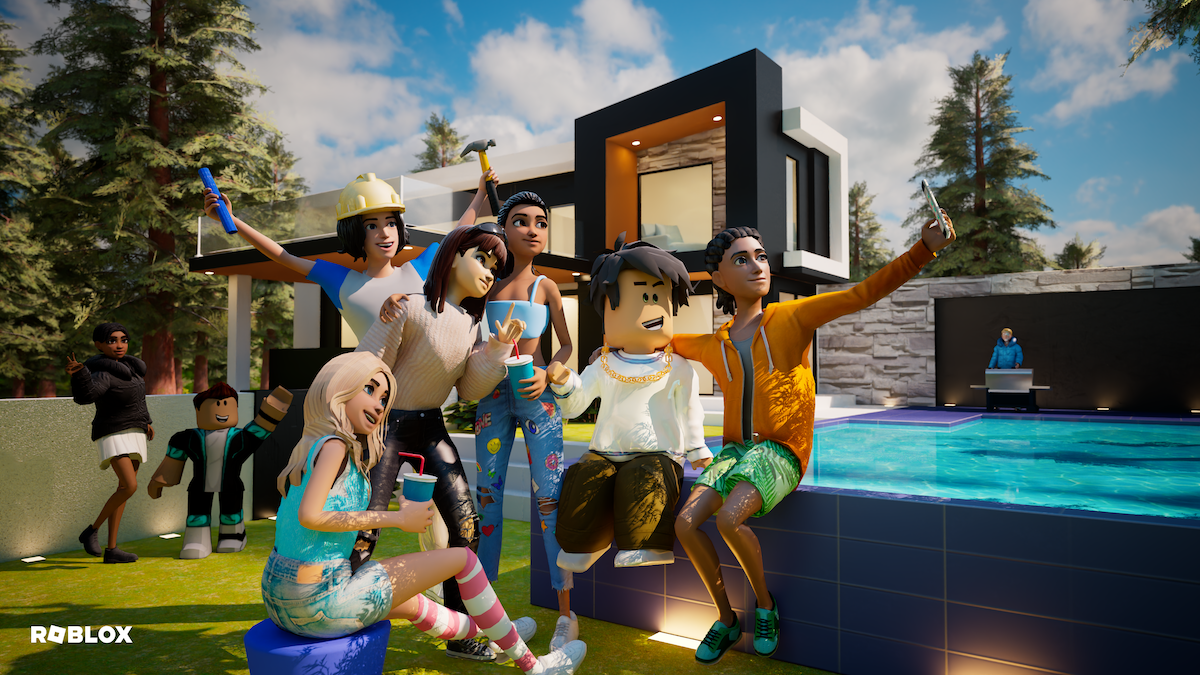
Take Roblox, for example. It’s one of the most popular gaming platforms among children and teens, offering thousands of user-created games. There is an online Safety Centre to help parents and carers understand what Roblox is, guides on how to use parental controls, and answers to common questions. And while many of the games are purely for fun, there are also lots that offer educational benefits that help kids develop new skills and explore their creativity. Roblox has a popular learning hub that has been visited over 40 million times, and will help you easily find great educational experiences.
One of the best ways to understand what your kids do online is to join them. Playing games alongside your child isn’t just fun – it shows you value what they love and creates natural opportunities to talk about safety, friendships, and the skills they’re building.
Try asking upbeat, open-ended questions to keep the conversation positive, such as:
-
“What do you love about this game?”
-
“How did you discover it?”
-
“What tips would help me get started?”

3. Talk through their gaming experiences
Online games are great fun, but they can also bring challenges like bullying or stress. Instead of reacting only when problems arise, start early – use everyday gaming moments to teach coping strategies and essential digital life skills.
If your child encounters bullying or stress online, work through solutions together:
-
Take a break with mindfulness strategies like Box Breathing or a quick walk
-
Switch to a different game or play with trusted friends
-
Reinforce that asking for help is always okay
-
Approach a trusted adult if they feel unsafe
4. Get familiar with parental controls
Managing your child’s gaming experience doesn’t necessarily require constant supervision – it all depends on what works for your family. Whilst I would always recommend you remain engaged with your child’s gaming activity, most platforms and devices offer parental tools to help you set limits on screen time, content, and interactions – so you can feel confident even if you’re not watching them over their shoulder.
Parental Control on Roblox, for example, lets parents and carers remotely manage settings like:
-
Screen time limits
-
Content maturity levels and the type of games they can play
-
Who your child can chat with
-
How much they can spend
The best time to set these controls is before your child starts gaming – but it’s never too late to adjust them. And remember, controls shouldn’t be fixed. As kids grow and become more savvy online, boundaries will evolve too. Staying engaged and having open conversations with your children helps you decide what’s right for them.
To make things easier for parents, Roblox now uses Facial Age Estimation to check a user’s age before enabling chat features. This means children are grouped into age-appropriate cohorts designed so kids interact with peers of a similar age – giving parents and carers extra peace of mind.

Dr. Elizabeth Milovidov’s Top Tips for Parents on Safer Online Gaming these school holidays
- Set safety basics – Start with privacy settings, safe usernames, understanding reporting tools.
-
Play together – Join your child’s games and open up conversations about safety.
-
Talk it out – Use gaming moments to teach resilience and coping skills.
-
Use parental controls – Set limits on screen time, content maturity, spending, and interactions.
And remember: safety isn’t a one-time conversation – it’s ongoing. Regular, open chats about gaming help kids feel supported, not judged, and make them more likely to speak up if something goes wrong.