
Kiddipedia
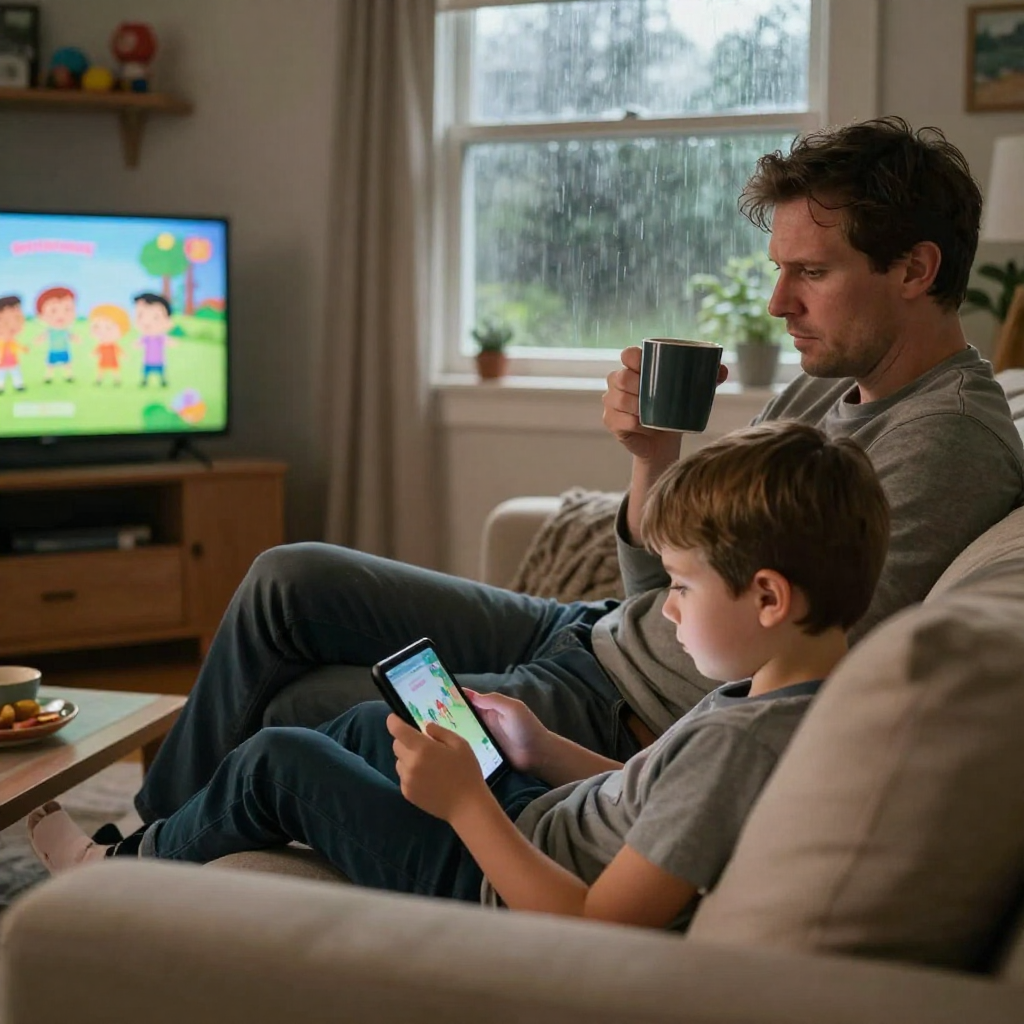
Keeping your kids safe online can sometimes feel like you’ve taken on a second job — one that didn’t come with training. Streaming has become the default in many Australian homes, especially during school holidays, sick days, or those long, rainy afternoons when everyone just needs a break. And to be fair, there’s some fantastic content out there.
But the shift from a sweet animated show to something far less age-appropriate can happen quickly. One autoplay. One curious click. One recommendation that looked harmless enough.
If you’ve ever walked past the living room and thought, “Hang on… how did we get from Bluey to this?”, you’re absolutely not alone.
The good news is, we’re not powerless. Parental controls are simply the guardrails. They don’t take the fun away — they just help keep it age-appropriate and within boundaries you’re comfortable with. And once they’re set up properly, they make streaming feel a whole lot less stressful for everyone.
Why Parental Controls Matter
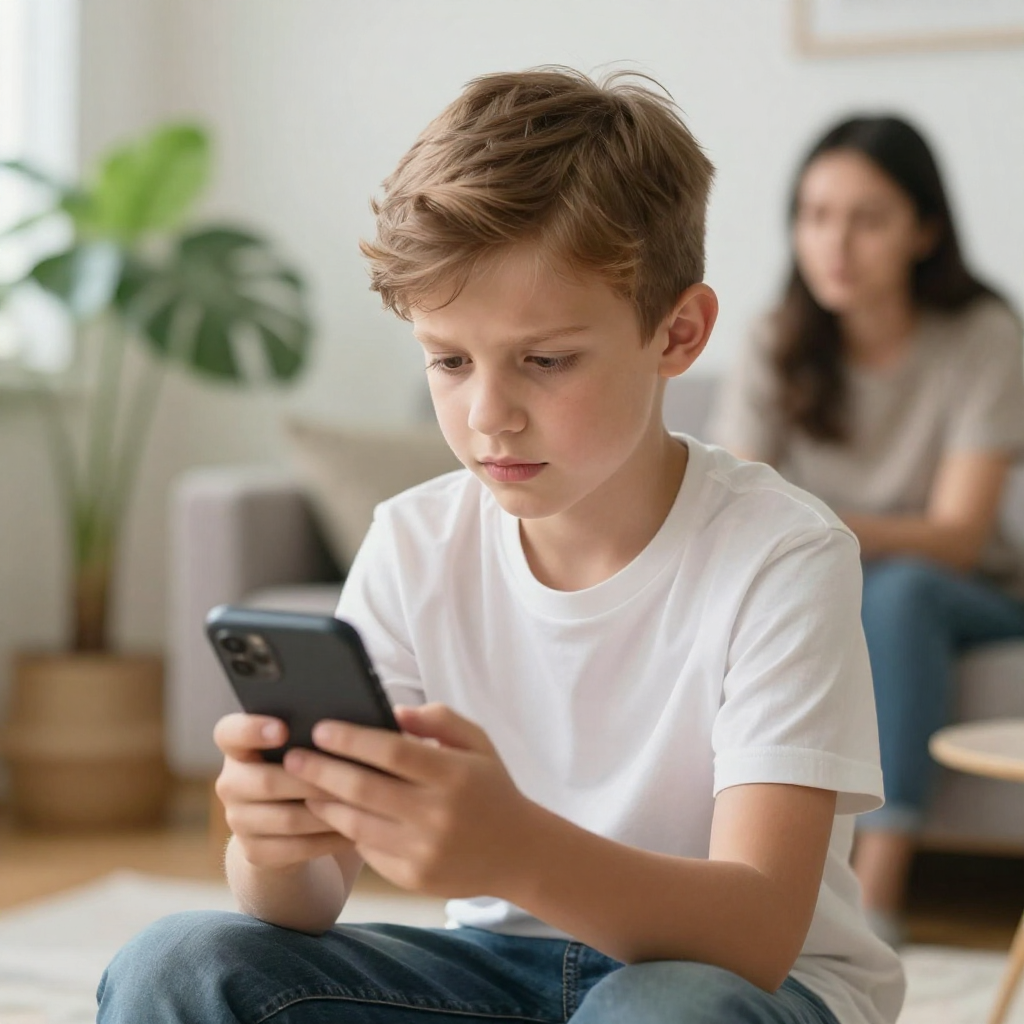
In Australia, we have high rates of device ownership among children. Whether they are on a tablet, a smart TV, or a phone, kids can accidentally stumble upon mature themes with just a few taps. Parental controls allow you to filter out explicit content, set time limits, and even lock certain profiles with a PIN.
As the Australian Parents Council suggests, digital parenting is all about staying involved. These filters can help teach them how to navigate the internet responsibly.
And here’s the thing, it’s rarely deliberate. Most of the time, exposure happens through autoplay, recommendations, or clicking something that looked harmless.
Understanding Australian content ratings also helps. The Australian Classification Board defines:
-
G – General viewing
-
PG – Parental guidance recommended
-
M – Mature themes (not recommended for under 15)
-
MA15+ – Legally restricted for under 15
Many parents are surprised to learn that “M” can still include violence or mature storylines. Knowing this makes setting restrictions much easier.
Quick Setup Guide for Popular Services
Most major streaming platforms in Australia have built-in tools. Here is the cheat sheet for the big ones:
Netflix
Create a dedicated Kids profile. For extra security, go to Profile & Parental Controls in your account settings and add a Profile Lock PIN. This stops little ones from switching over to your adult account.
Disney+
Use Junior Mode, which offers a simplified interface and only shows content rated for younger viewers. You can also set Content Ratings for older kids (e.g., G, PG, or M).
YouTube Kids
This is a separate app for a reason. Use the Approved Content Only setting. This ensures your child only sees videos and channels you have personally vetted, rather than whatever the algorithm suggests next.
Stan & Binge
Don’t forget our local favourites! Most Aussie streamers allow you to set a PIN for any content rated above a certain level (like M or MA15+).
Age-by-Age Streaming Guardrails
Every child is different, but here’s what many families find helpful:
Preschoolers (0–5)
-
Stick to dedicated kids profiles only
-
Turn off autoplay
-
Keep screens in shared spaces
-
Co-watch whenever possible
At this age, whitelisting content is often safer than relying purely on ratings.
Primary School Kids (6–12)
-
Introduce time limits
-
Talk about recommendations and “why this is showing up”
-
Gradually allow responsibility, with supervision
-
Keep adult profiles locked
This is also the age where curiosity kicks in. Open conversation becomes just as important as technical controls.
Enhancing Privacy with Your Streaming Toolkit
Every time you stream, platforms collect data on your habits. Many parents are now looking at their home network security as part of their safety strategy.
Using the best VPN for streaming can be a smart move here. While many use a VPN to access different content libraries, it also serves as a privacy layer. It encrypts your home internet connection, making it much harder for third-party trackers to profile your household’s viewing habits or location. It’s an easy set-and-forget way to add an extra layer of digital anonymity to your home.
That said, a VPN doesn’t replace parental controls — it simply adds another layer of privacy protection.
You can also explore device-level tools such as:
-
Screen Time on Apple devices from Apple
-
Family Link on Android devices from Google
These allow you to manage app access, time limits, and downloads across multiple devices.
Common Streaming Mistakes (We’ve All Made One)
-
Forgetting to PIN-lock the adult profile
-
Leaving autoplay switched on
-
Assuming YouTube Kids is fully moderated without adjusting settings
-
Not reviewing controls as kids grow
-
Allowing devices in bedrooms overnight
The good news? All of these are fixable in minutes.
The Handshake Agreement: Talking to Your Kids
Technical controls are great, but they work best when combined with open communication.
The Why
Explain to your kids why these limits exist. Tell them it’s like wearing a helmet while riding a bike, it’s there to keep them safe while they have fun.
Kids are much more cooperative when they understand the reason behind a rule.
The 3-Month Audit
Kids grow up fast. A show that was too scary three months ago might be fine now. Set a reminder to review your parental control settings every school term to make sure they still fit your child’s maturity level.
Make it a routine, like a digital tidy-up.
Watching Together Builds Media Smarts
Streaming isn’t just about blocking content. It’s also an opportunity to build media literacy.
Try asking:
-
“What do you think about that character’s choice?”
-
“Do you think that’s realistic?”
-
“Why do you think this show is rated PG?”
These little conversations build critical thinking, something no setting can automate.
Screen Time & Emotional Wellbeing
Research and guidance from the Raising Children Network consistently remind parents that balance matters.
Things to watch for:
-
Difficulty winding down before bed
-
Mood swings after long viewing sessions
-
Increased irritability when screens are removed
Sometimes it’s not what they’re watching — it’s how long and how often.
A Quick Family Checklist
Before you close this article, here’s a simple reset:
✔️ Kids profile created
✔️ Adult profile PIN locked
✔️ Autoplay disabled
✔️ Time limits set
✔️ Privacy settings reviewed
✔️ Next term’s “3-month audit” reminder scheduled
Final Thoughts: It’s About Balance, Not Fear
We’re raising children in a world we didn’t grow up in. Streaming isn’t going anywhere, and honestly, some of it is brilliant.
Parental controls aren’t about mistrust. They’re about guidance.
They allow our kids to explore safely while we stay involved, informed, and connected. And at the end of the day, that’s what digital parenting really is — not hovering, not policing, just walking beside them while they learn how to navigate it.
If you treat streaming safety as an ongoing conversation rather than a one-time setup, you’ll already be ahead of the game.
And if you’re adjusting settings at 10pm after realising autoplay betrayed you again?
You’re in very good company.