
Kiddipedia
Did you know that children retain information faster when learning includes strong visual support? Yep its true, visual learning tools help children process ideas more quickly, organise information more clearly, and recall it with less effort.
Let’s look in detail at why visuals work so well for young minds, how they improve memory, and how parents and educators can use them effectively in everyday learning.
Why Visual Learning Tools Help Information Stick
Visual learning tools work because the brain processes images faster than text. Pictures, diagrams, and symbols give children immediate context, which reduces confusion and mental overload. Learning feels simpler when ideas are clearly organised on the page or screen.
Combining visuals with words strengthens memory pathways. Stronger pathways make it easier for kids to recall information later without repeated drilling.
How Visual Learning Tools Improve Memory Retention
Visual learning tools support memory by storing information in more than one way. Kids can recall an image, a word, or the connection between both, which improves long‑term retention. Multiple memory cues increase the chance of accurate recall.
Visual pairing significantly improves retention in primary school learners. Faster recall helps kids stay confident during lessons, homework, and assessments.
Several everyday benefits explain why visuals work so well:
- Images create quick mental connections to new ideas
- Colour and layout help separate and organise information
- Repeated exposure through visuals strengthens recall naturally
Visual Learning Tools in Classrooms and at Home
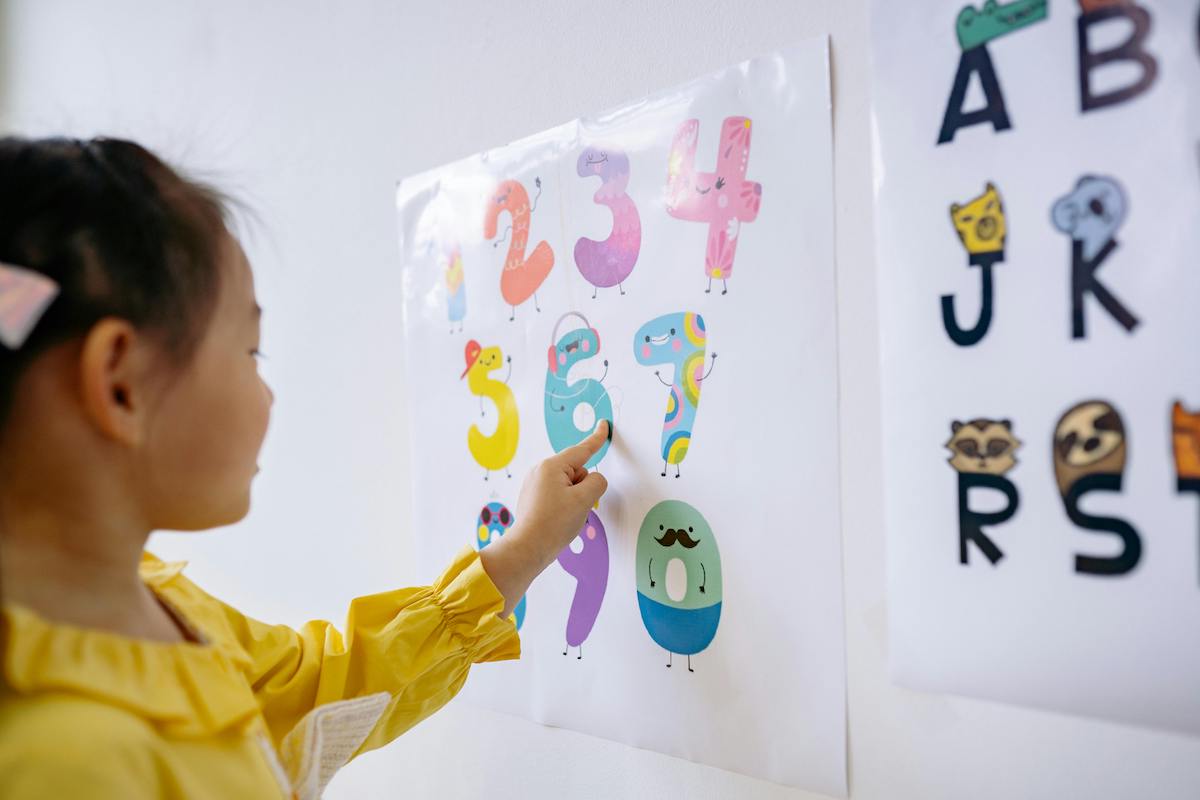
Classrooms rely on visual learning tools because they guide attention and reduce cognitive strain. Charts, diagrams, and illustrated examples help kids follow lessons from beginning to end. Clear visuals support understanding before reading skills fully develop.
At home, visual tools encourage independent learning. Flashcards, labelled diagrams, and simple mind‑maps allow kids to practise without constant supervision. Consistent visual exposure builds memory through repetition.
Visual Learning Tools and Different Learning Styles
Every child processes information differently. Visual learners often struggle with text‑heavy instruction, especially at younger ages. Visual learning tools create balance by supporting learners who need images to understand ideas.
Visual learning environments show improved engagement and recall in school‑aged children. Higher engagement often leads to faster comprehension and longer‑lasting memory.
Keeping Visual Learning Tools Simple and Effective
Simplicity plays a key role in effective visual learning. Overcrowded designs can overwhelm young learners and reduce focus. Clean layouts with one clear idea at a time support better retention.
Short learning sessions also matter. Visual tools used in brief, consistent intervals help reinforce memory without causing fatigue. Learning stays productive when visuals support understanding rather than distract from it.
Practical Visual Learning Tools Kids Actually Use
Flashcards remain one of the most effective visual learning tools for memory building. Pairing images with keywords helps kids recall facts quickly and accurately.
Many parents and teachers use a flashcards maker to design interactive learning cards in Canva that match school subjects or personal interests.
Custom visuals increase relevance, which strengthens retention and keeps kids motivated to practise.
Helping Kids Learn Faster and Remember Longer
Visual learning tools help kids retain information faster by turning lessons into something clear, familiar, and easy to revisit.
Strong recall builds when children can see ideas organised in ways that make sense to them. Over time, visual cues reduce frustration and support confident, independent learning.
Parents and educators who want practical ways to support memory can benefit from tools designed with flexibility in mind. Visual learning tools also adapt well as children grow, supporting both simple concepts and more detailed topics.
Exploring suitable tools, such as Canva’s flashcards, and learning more from articles like this will help create learning experiences that stick and support long‑term success.